
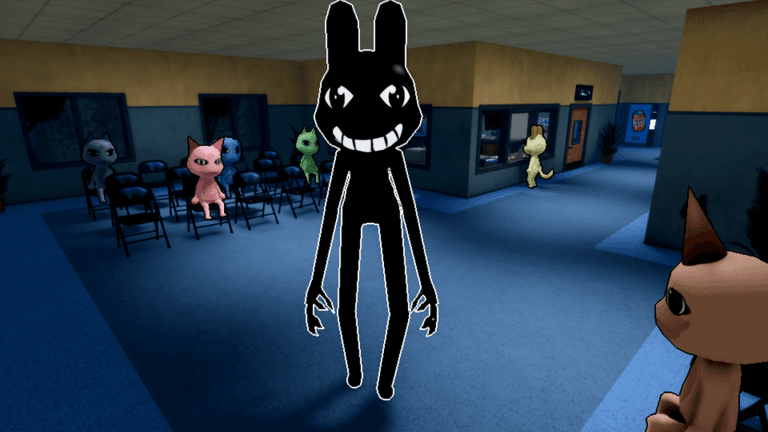
Security is an equipment-led class choice. Judge it by the documented base package, then compare that package with the current class panel before spending. Keep target-specific expectations and level upgrades outside the base decision until the game supplies their details.
Decide whether Security fits
Choose Security because its documented equipment profile matches what you want from a class. Start by asking whether the package in the table is the kind of resource you want to manage during a shift.
Use the class roster to compare roles and the best class guide to compare playstyles. Those comparisons frame the choice; the package itself remains the deciding input.
The price and equipment package belong to one purchase decision. An upgrade is a second decision with its own current description, so do not assume the base package predicts every later level.
Confirmed Security facts
| Detail | Current documented value |
|---|---|
| Class cost | 1,250 cash |
| Equipment | X-Taser |
| Capacity | Six shots |
| Regeneration | 10 seconds |
This table is the complete confirmed base package. Read the capacity and regeneration rows as separate limits: one describes the available amount and the other describes the listed return interval.
Purchase workflow
- Decide whether the equipment-led role suits your preferred playstyle.
- Set the savings target from the table.
- Open the current Security panel.
- Compare every base row with the displayed package.
- Buy only if the current package still matches the reason you chose the class.
Comparing every row prevents one familiar class label from standing in for the whole purchase. A changed price affects affordability, while changed equipment text affects whether the role still matches your plan.
Upgrade workflow
- Treat the confirmed table as the level-zero reference.
- Read the next level’s complete description in the current panel.
- Identify the exact displayed change without importing a value from another version.
- Compare that change with the limitation you actually notice in play.
- Use the current upgrade cost for the final decision.
This procedure does not predict what an upgrade will change. It keeps the level decision separate from the documented base package until the panel names the difference.
Uncertainty boundary
No universal damage, stun duration, range or complete target list is confirmed. If one of those properties would decide the purchase, verify it directly in the current game.
No higher-level values or detailed regeneration formula are confirmed either. The listed interval does not establish whether all capacity returns at once or what additional conditions may apply.
Final decision check
Ask three questions before spending:
- Does the equipment profile fit my intended role?
- Does the displayed base package match the table?
- Is any unconfirmed property essential to my plan?
The first answer frames class fit, the second catches a version change, and the third identifies when the current game must supply more information. If the package fits but the upgrade does not, the base purchase and level purchase can still be evaluated separately.